 Ellensburg, WA
Coin Designer · Guide
How to design your team coin
Add your logo and text, check it in 3D, order. We print a sample for you to approve, then the batch.
The coin

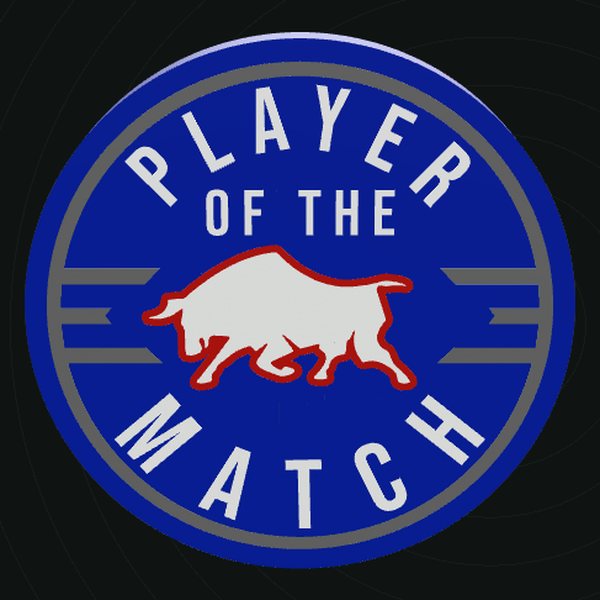
- 2.5 in (63.5 mm) across, 6.35 mm thick as standard. Other sizes: 2 in, 2.25 in, 3 in.
- Up to 4 colors. Each color is solid plastic about 1.12 mm deep, so it won't wear off.
- Hidden magnet (optional): sealed inside, nothing shows.
Step by step
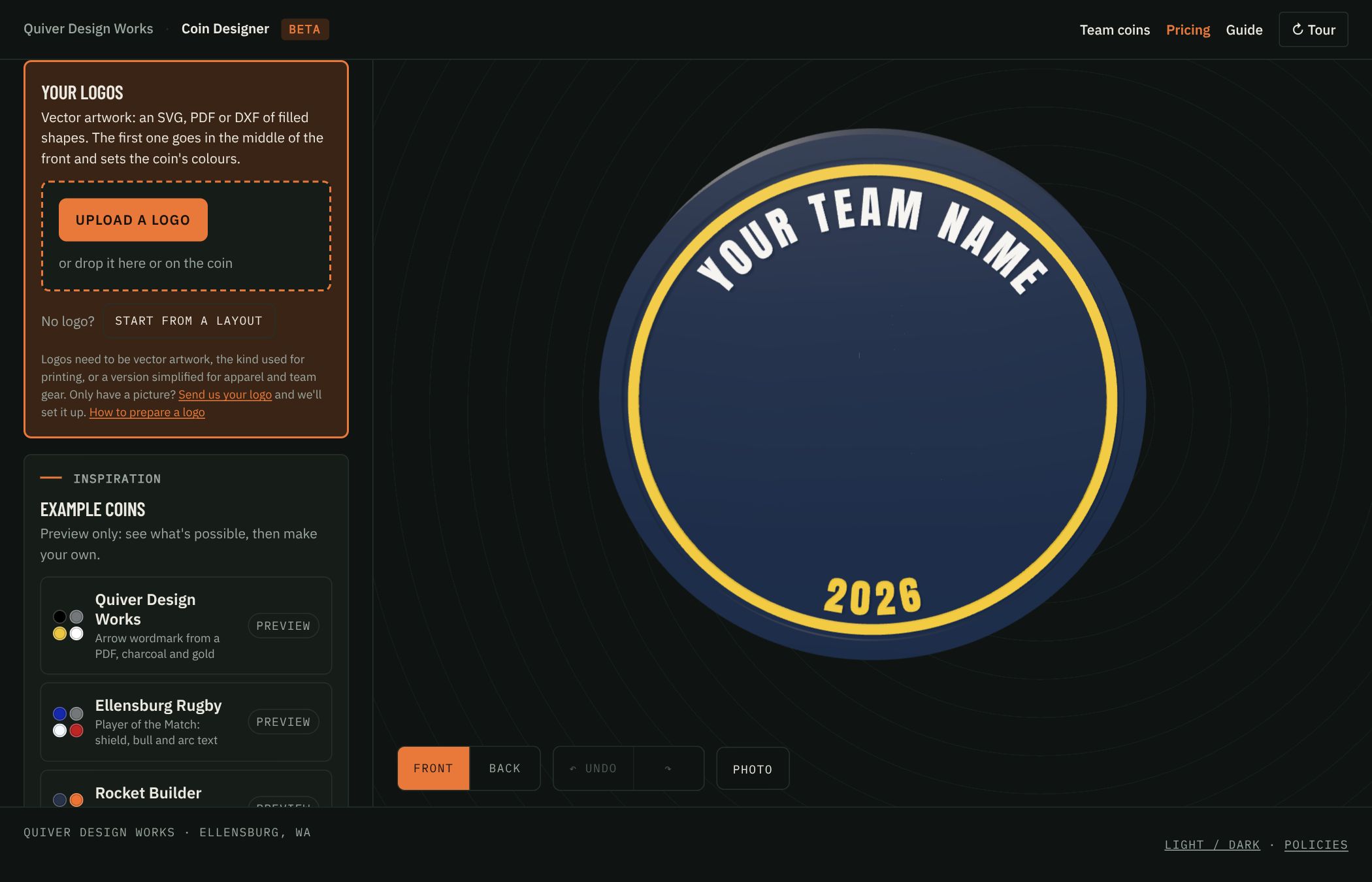
Your logos
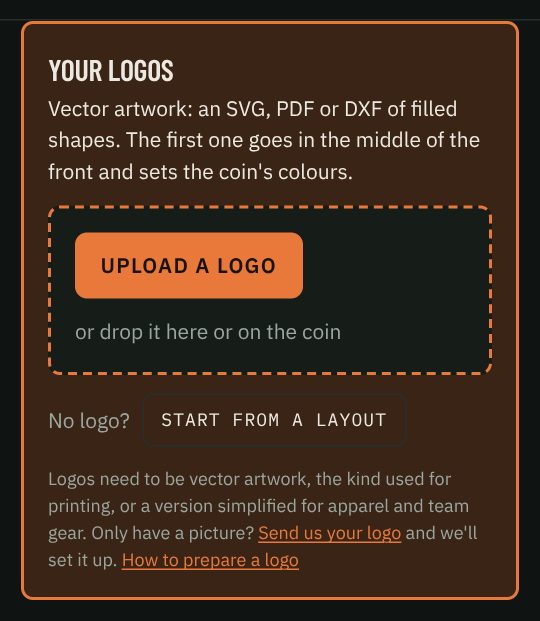
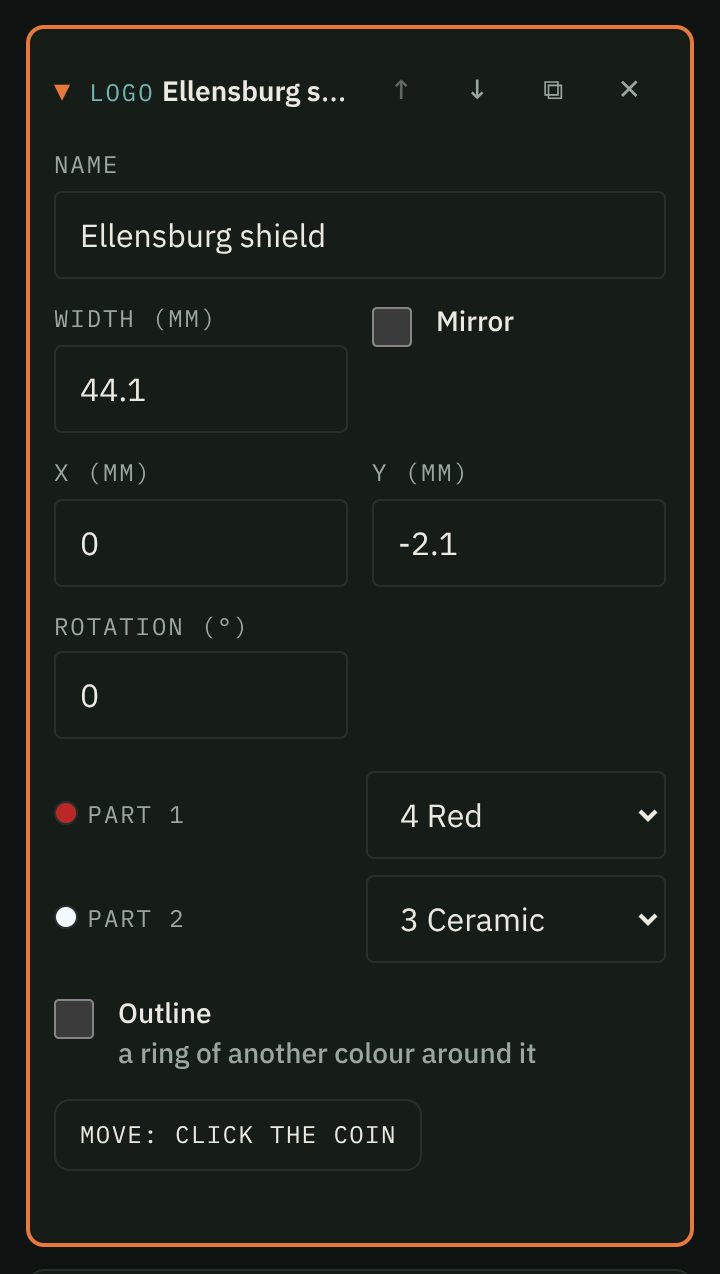
- The first logo goes in the middle of the front and sets the coin's colours from the artwork.
- The next goes on the back. Uploads stay in the list: click one, then click the coin where it should go. You can also drop a file straight onto the coin.
- See Logos for what files work. Your design saves in this browser as you go.
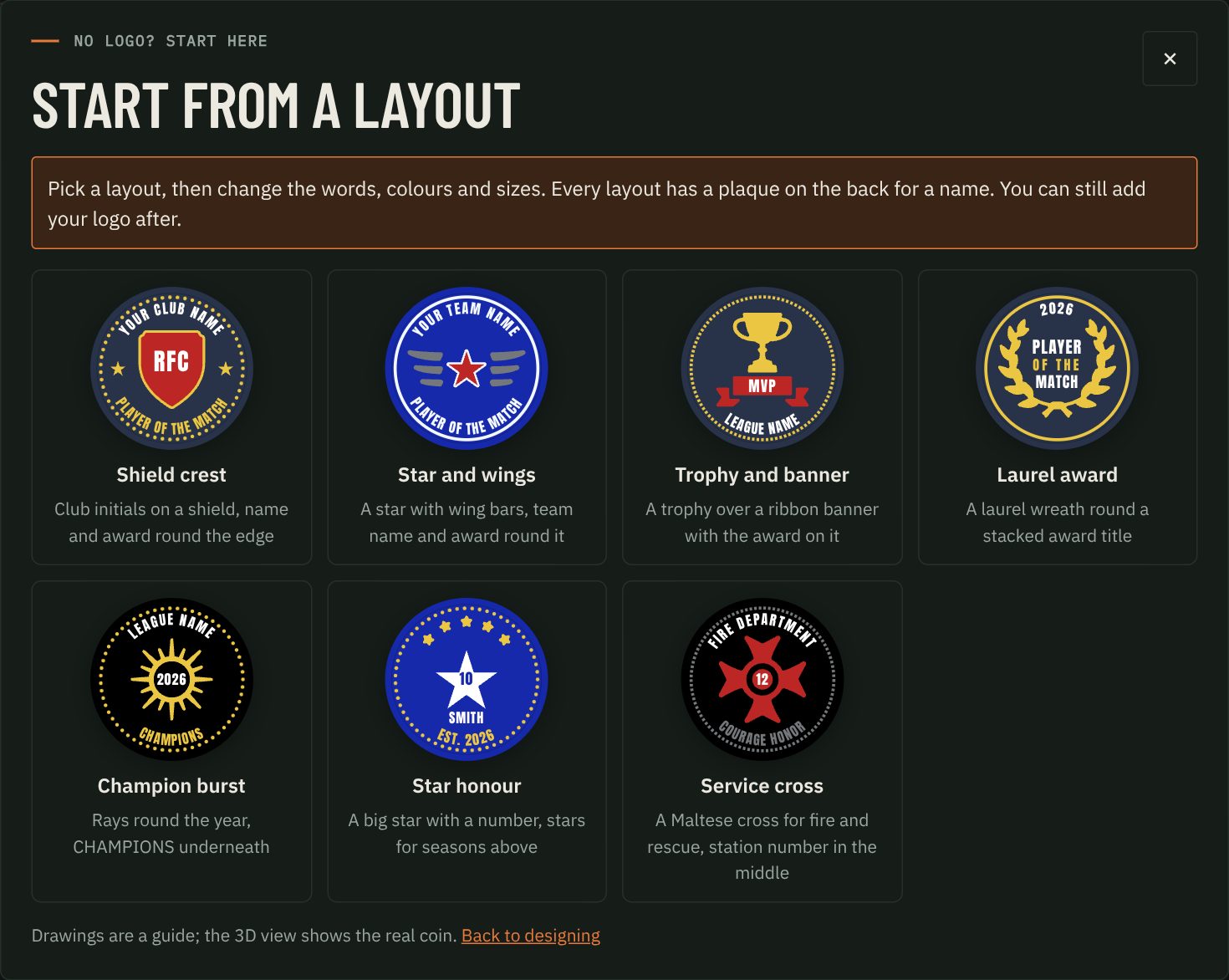
No logo? Press Start from a layout on the same card: a shield crest, laurel, trophy and banner, star or cross, with words to change. It replaces your front and back.
The Example coins are for looking only. Back to my design returns to yours.
01 Size
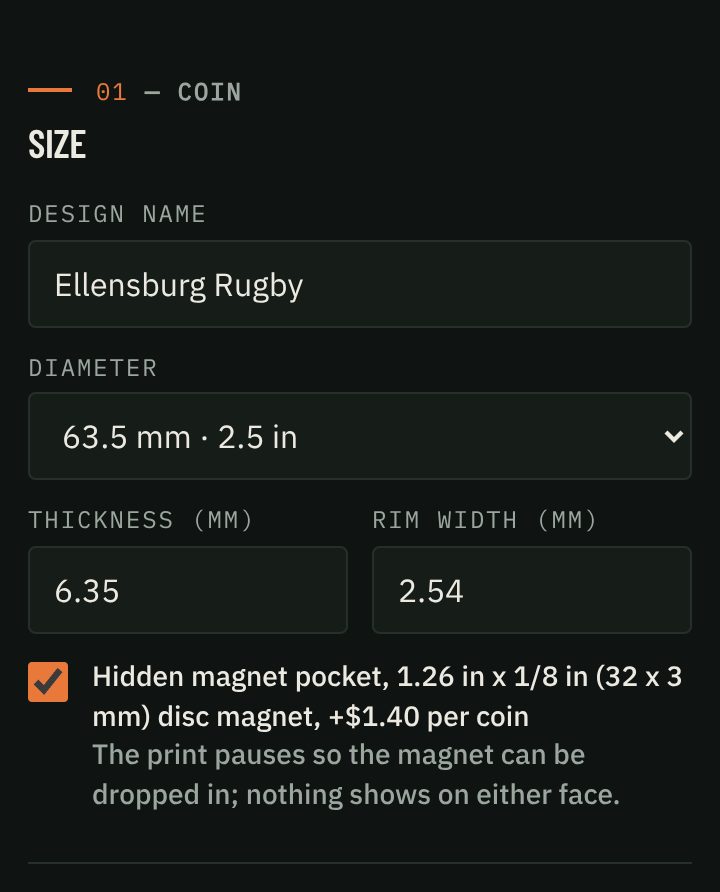
Pick the diameter. Thickness and rim width are optional. Tick Hidden magnet pocket for a magnet (+$1.20 to $1.60 a coin). Tick Flat on both sides for a smooth front with no raised rim, like the back.
02 Filaments
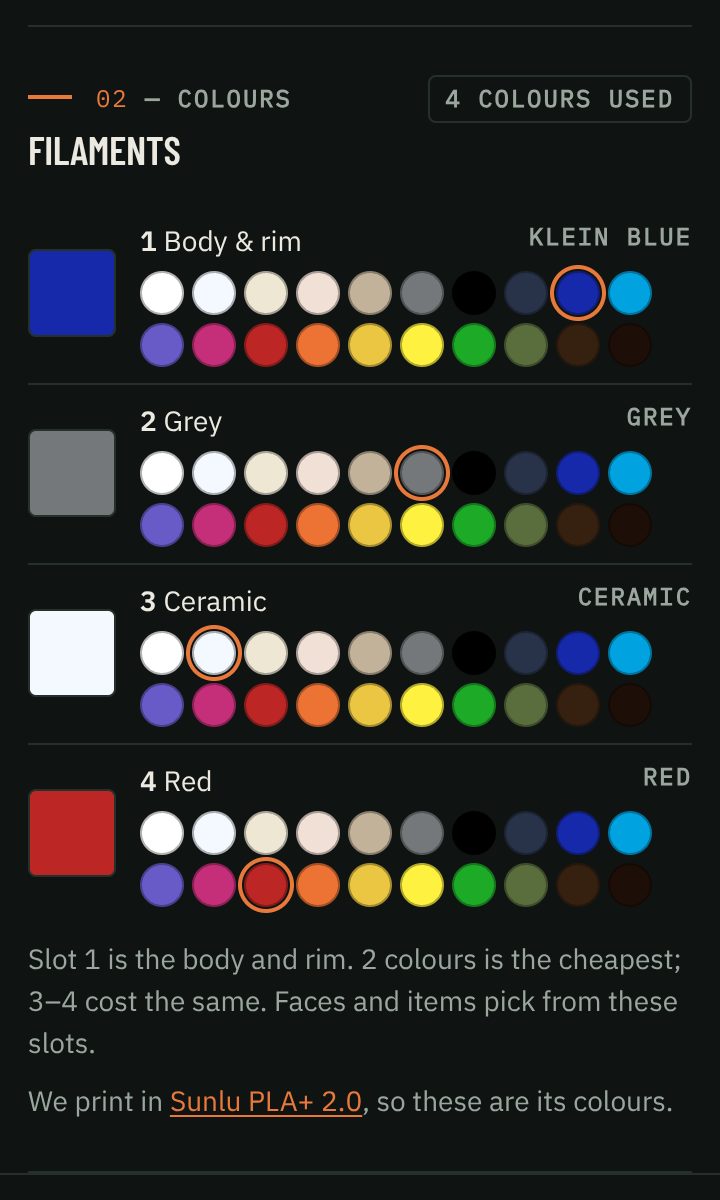
Slot 1 is the body and rim. Up to 4 slots, from the 20 colors of Sunlu PLA+ 2.0, the filament we print with. Two colors cost the least. Strong contrast reads best.
03 Front and back
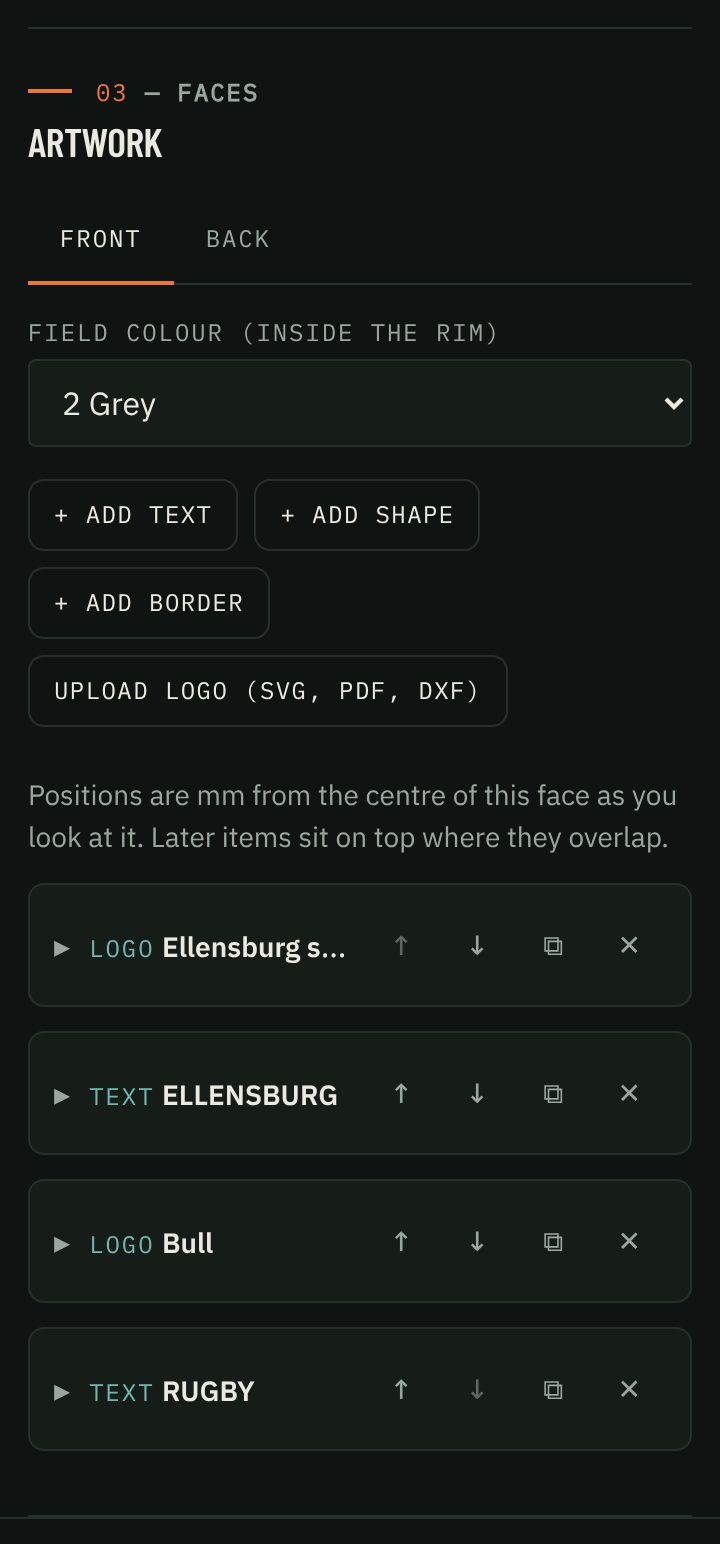
- Pick Front or Back. Set the field color (inside the rim).
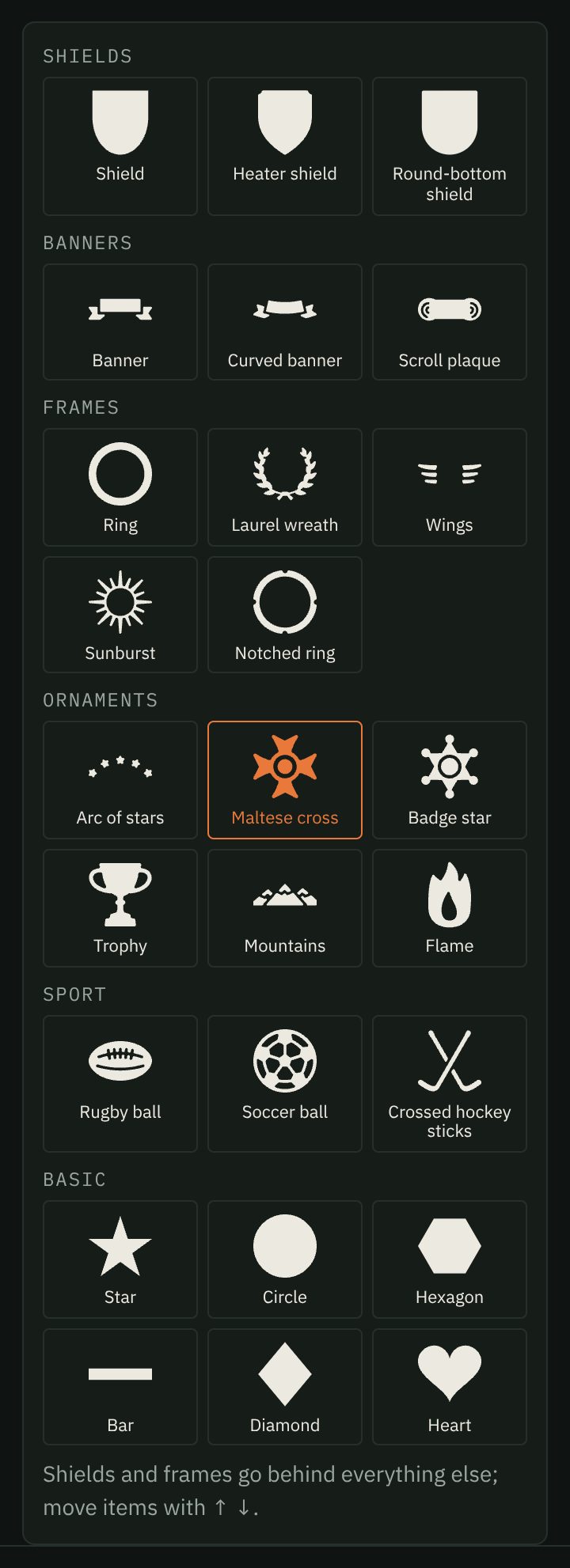
- Add text, a shape (shields, banners, laurels, stars, sport icons and more), a border or a logo. Tick Outline for a ring of color around an item.
- Click an item on the coin (or its name in the list) to open its settings. Move: click the coin moves it, even to the other side.
- Later items sit on top. Use ↑ ↓ to reorder, ⧉ to copy, ✕ to delete.
- Undo with ↶ under the coin or Ctrl+Z (⌘Z on a Mac); redo with Ctrl+Shift+Z.
- Keep 0.84 mm between items and from the rim. The 3D view warns you if not.
04 Order
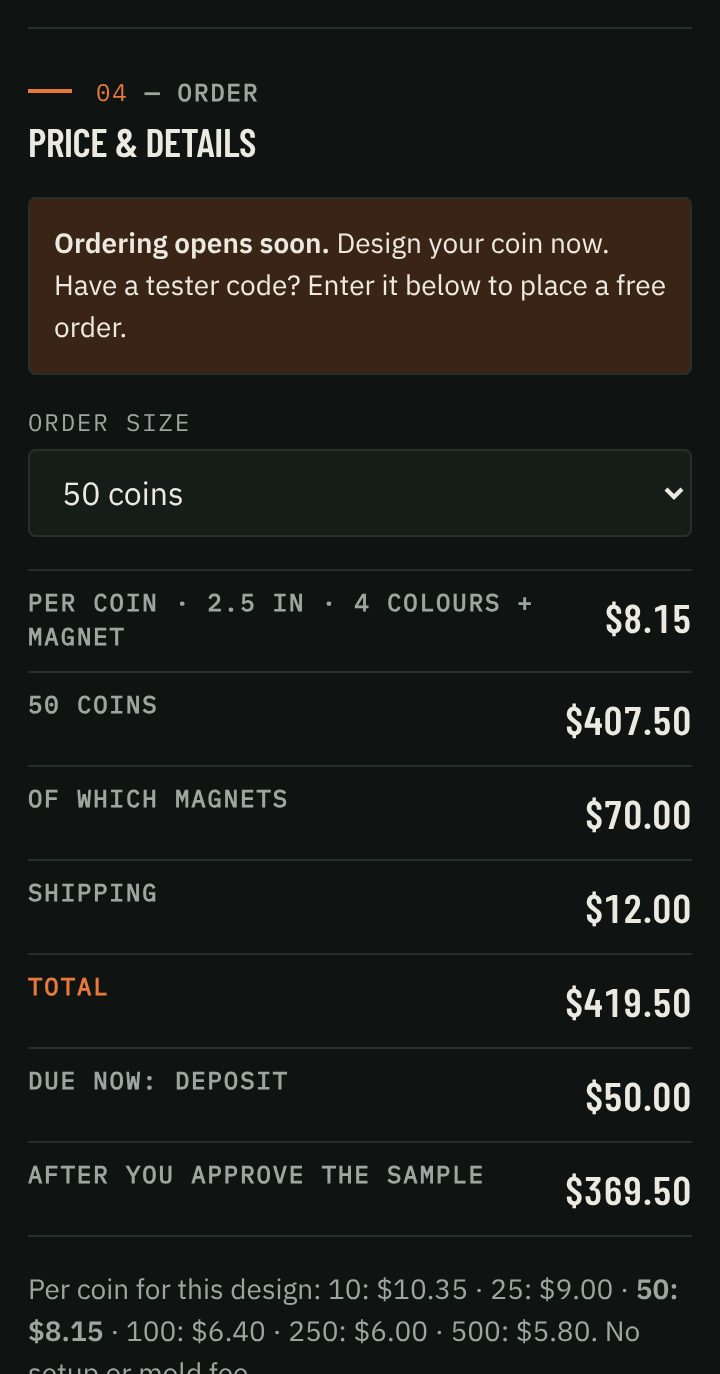
Pick how many (10, 25, 50, 100, 250, 500) and add your details. See Ordering.
Text
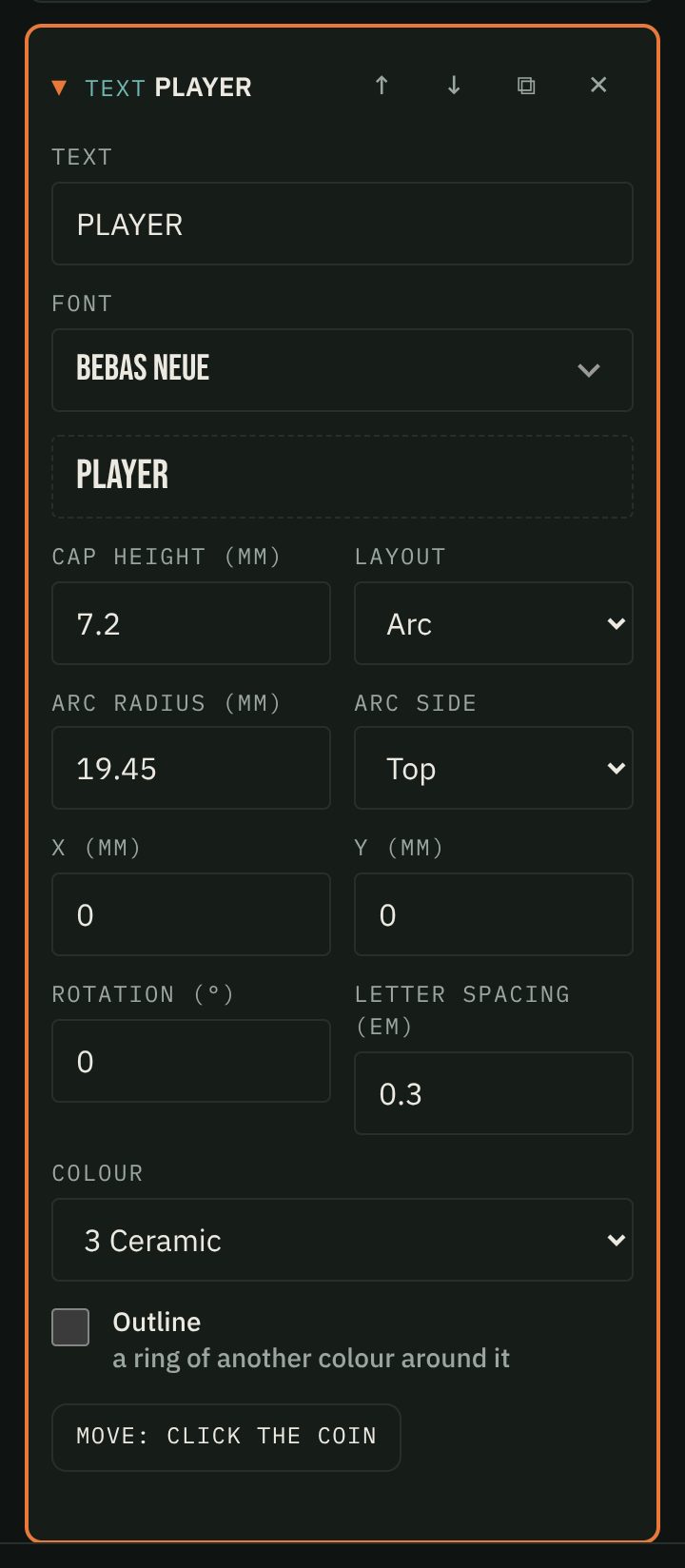
- Arc text runs around the edge (top or bottom). Start with a radius of about 23 mm. Use straight text in the middle.
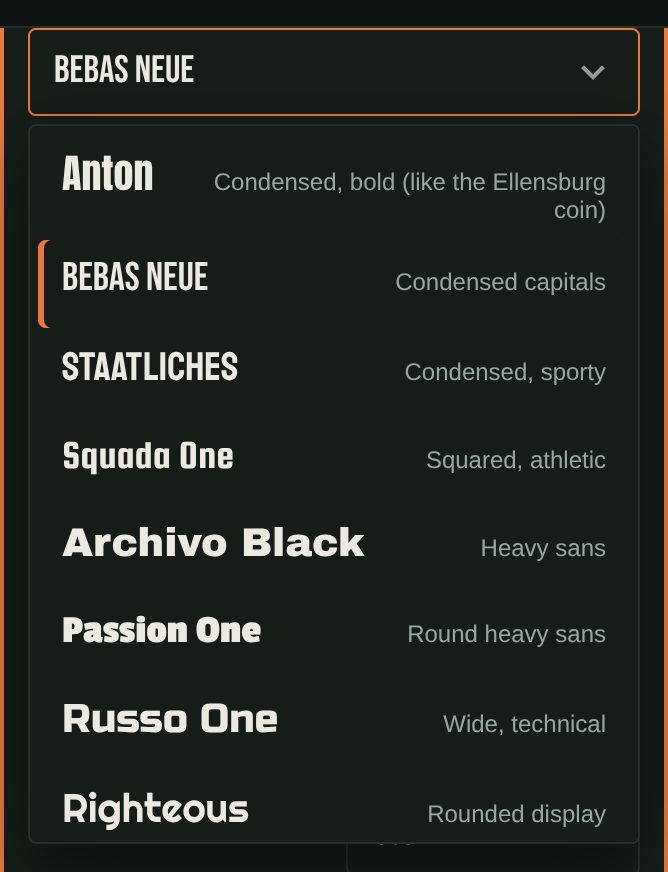
- Each font has a smallest size that prints clearly (shown by the height box): about 3 mm for wide, open fonts like Bungee or Russo One, 4.25 mm for narrow ones like Bebas Neue or Staatliches, 5.25 mm for Anton. The designer thickens thin strokes where letters have room, and warns when text would print hollow or its letters would fill in.
- We print with a 0.4 mm nozzle, so strokes need to be at least 0.65 mm and gaps between items 0.84 mm.
- Short words read best: two or three lines a face.
Logos
Logos need to be vector artwork: the kind used for printing, or a version simplified for apparel and team gear. Need help? Send us your logo.
- SVG (best) or PDF of filled shapes in flat colors. Convert text and strokes to outlines first.
- DXF: closed shapes; each layer becomes one part.
- A photo, screenshot, PNG or JPG won't work.
- Each fill color becomes one part, mapped to the closest coin color. Change it on the logo card.
- Up to 4 MB. Keep the thinnest part 0.84 mm wide at the size you pick.
The 3D view
- Turn: drag (one finger).
- Zoom: scroll or pinch, up to 4×.
- Move: two fingers, or right-drag.
- Reset: double-tap or double-click.
- Select: click or tap an item.
Back text is shown as it reads when you turn the coin over.
Ordering
- Order with a $50.00 deposit. It comes off your total.
- We print a sample and email you photos. If something won't print well, we tell you first.
- Approve it, or ask for changes. Each change after the sample is $20.00, for a new sample and photos.
- Pay the balance from the link we send. We print the batch and ship it with tracking.
Current lead time: Samples in about a week; batches ship about 2 weeks after you approve the sample.
10 to 500 coins. USPS Ground Advantage, US only. Tax is added at checkout. Ordering opens soon; testers with a code can place a free order now.
Prices per coin
| Size | 10 | 25 | 50 | 100 | 250 | 500 |
|---|---|---|---|---|---|---|
| 2 in 50.8 mm | $7.50 | $6.25 | $5.50 | $4.00 | $3.60 | $3.45 |
| 2.25 in 57.2 mm | $8.00 | $6.75 | $6.00 | $4.50 | $4.05 | $3.90 |
| 2.5 in 63.5 mm | $8.75 | $7.50 | $6.75 | $5.10 | $4.75 | $4.60 |
| 3 in 76.2 mm | $10.50 | $9.00 | $8.25 | $6.25 | $5.85 | $5.60 |
| Add-ons | 10 | 25 | 50 | 100 | 250 | 500 |
|---|---|---|---|---|---|---|
| Hidden magnet per coin | +$1.60 | +$1.50 | +$1.40 | +$1.30 | +$1.25 | +$1.20 |
| Shipping per order, US | $8.00 | $9.00 | $12.00 | $16.00 | $26.00 | $42.00 |
- Two-color coins cost 12% less (fewer filament changes).
- No setup or mold fee. Change the design between orders for free.
- Washington addresses pay sales tax at checkout. Shipping is USPS Ground Advantage, US only for now.
- Example: 50 coins at 2.5 in, 4 colors: $6.75 each, $337.50 + $12.00 shipping.
FAQ
Is my design saved?
Yes, in this browser, until you press Start over.
I only have a picture of our logo.
We can redraw it for printing: logo clean-up is a design service, quoted with your proposal. Send it to us with the proposal form.
Part of my logo disappeared.
It was probably a stroke, live text or a gradient. Convert it to filled shapes and upload again.
The magnet box is greyed out.
The coin is too thin for the pocket. The note under the box says what it needs.
A different size, or more than 500?
Email matt@quiverdesignworks.net.
Can I use any logo?
Only one you have the right to use, like your own team's.
See also our shipping, returns and privacy policies.